How does the custom tasks & reminders dashboard work?
Summary
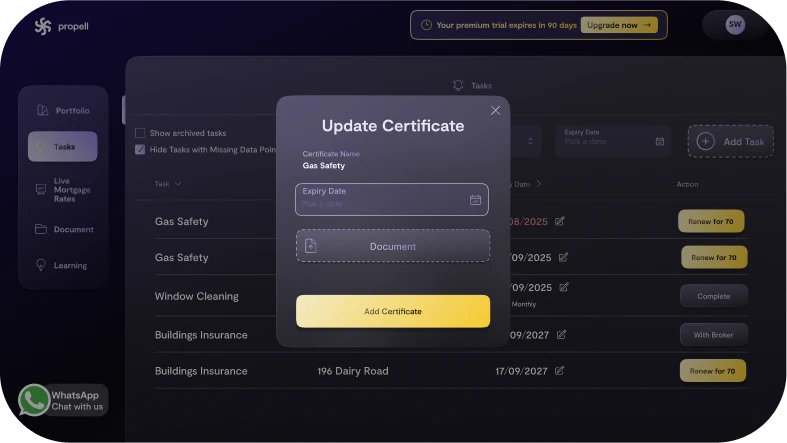
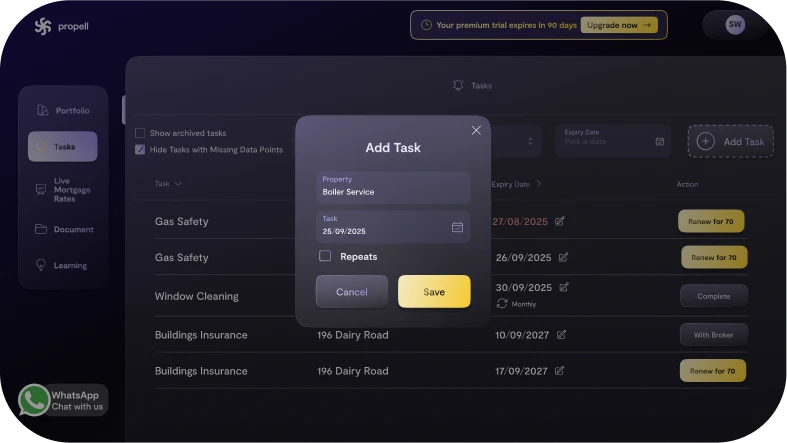
Propell tracks all expiries and lets you add even your own custom reminders. Insurance & certificates: 30-day reminders. Mortgages: 90-day reminders. Add custom tasks (e.g., boiler service every 2 years).
You’ll get email alerts and nudges from your Property PA.
How it works
- Go to Tasks & Reminders.
- System tasks auto-appear for insurance, certificates, mortgages.
- Create Custom task → choose property, frequency, due date, notes.
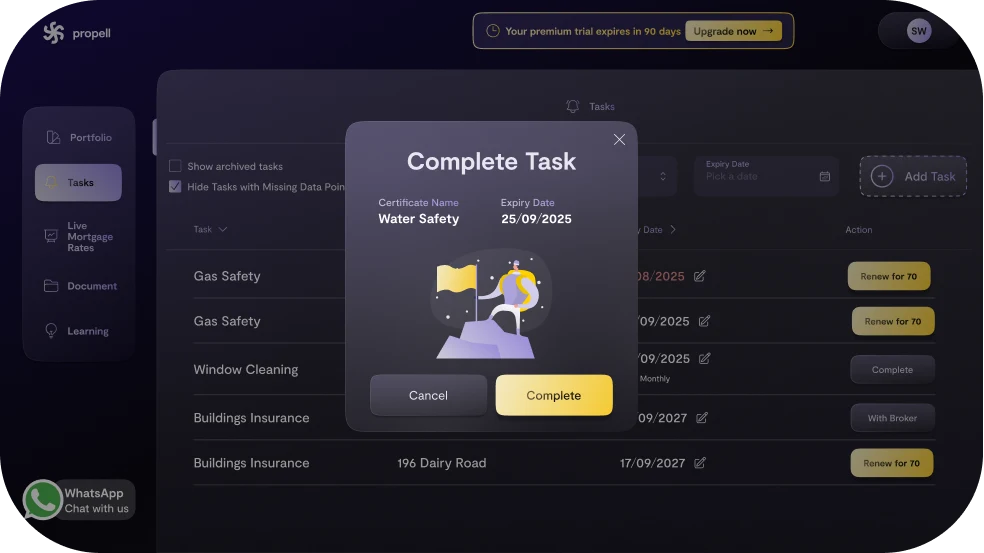
- Mark done or take action (renewals, uploads) directly from the task.
Why it matters
- Never miss renewals or compliance dates.
- One hub for everything time-sensitive.
- Property PA support for follow-through.
FAQs
- Can I change reminder timing? Yes - edit per task.
- Will tasks sync after I renew? Yes - completion updates docs/expiry where applicable.
Related Articles
- Attach insurance quotes to reminders
- Renew certificates in-app